Live on the web and on Android
Stop losing orders in your inbox.
Every order arrives in one list — from Messenger, from Telegram, from the counter — with the stock count already adjusted. You confirm and pack, instead of scrolling back through conversations working out what you promised.
We set your shop up with you — there is no sign-up form. Already using BizCoPilot? Log in.
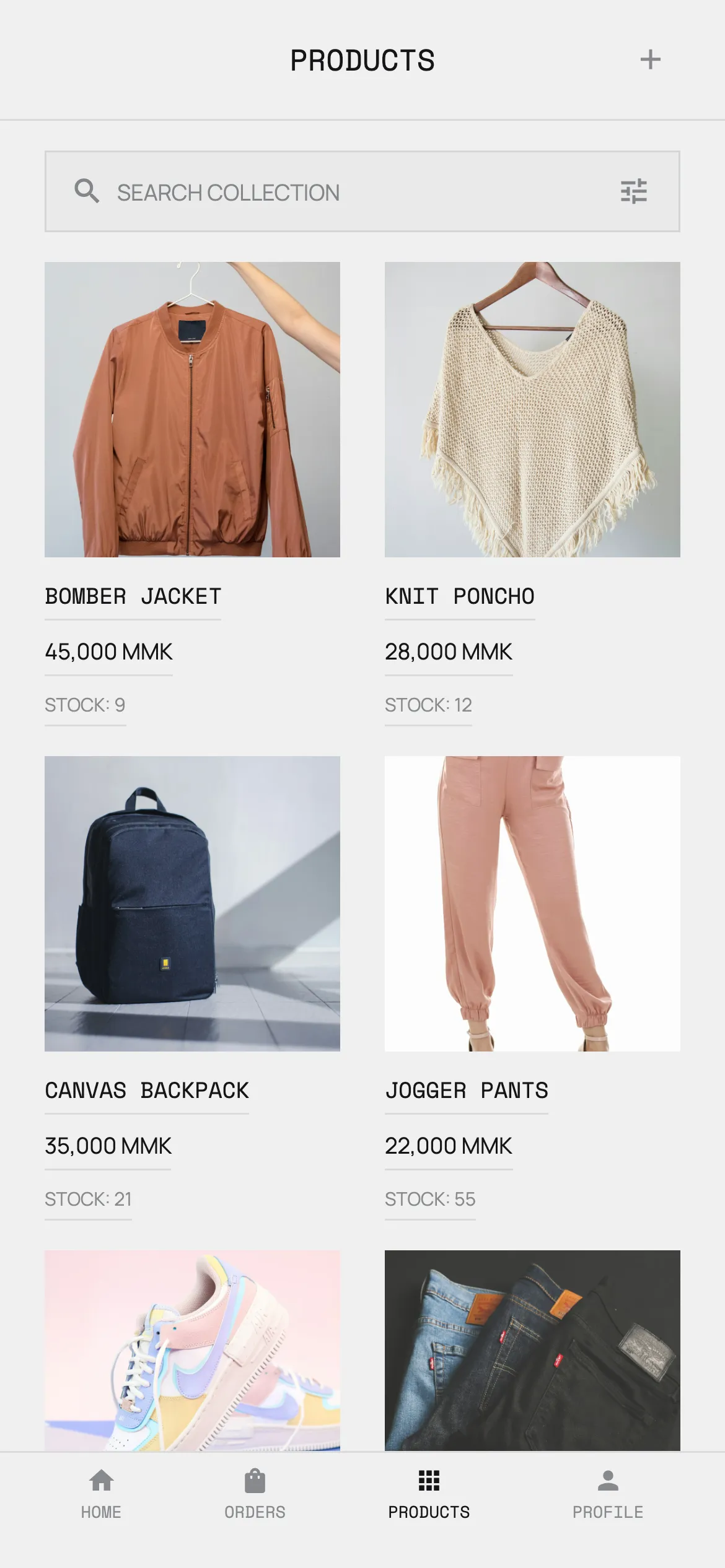
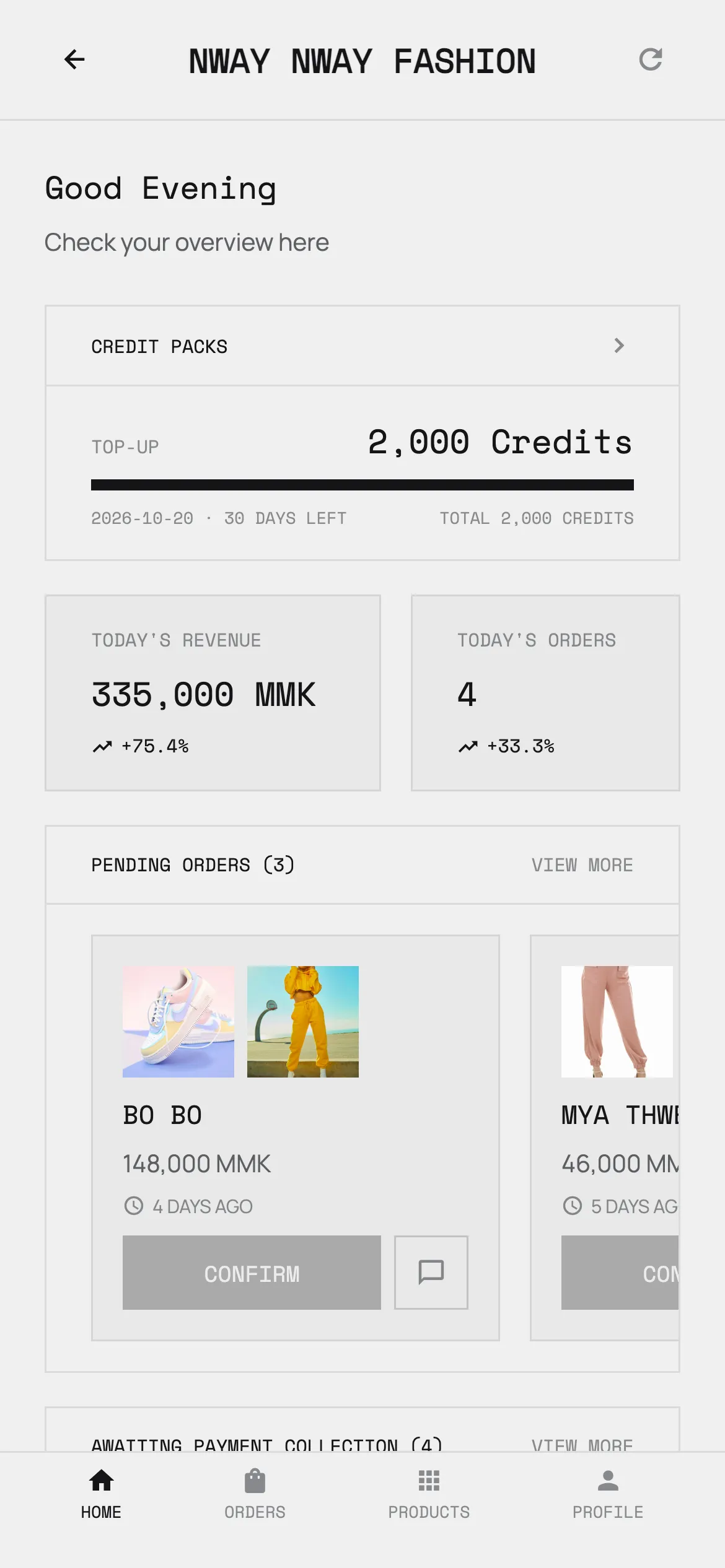
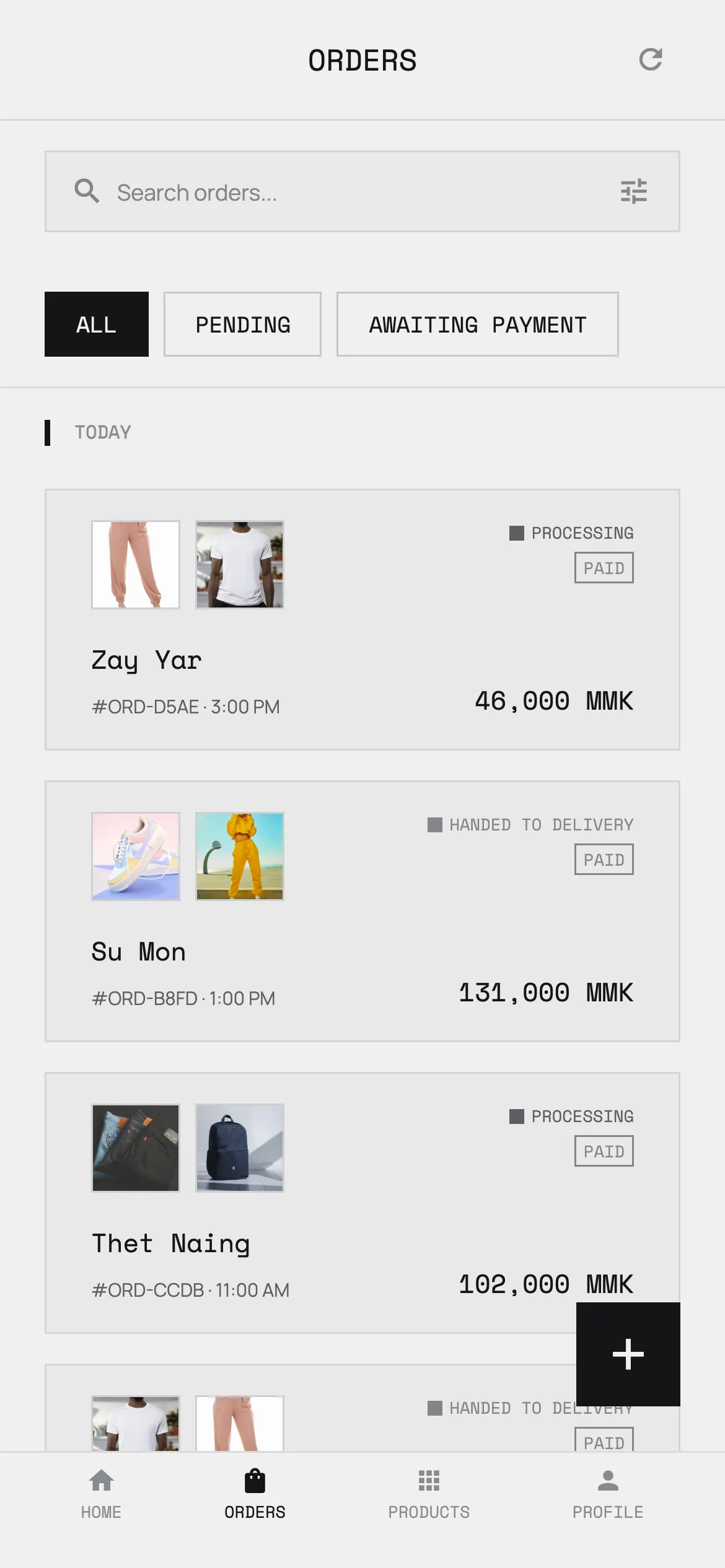
Orders arrive from
Facebook Messenger
Telegram
Walk-in counter
The problem
Selling on Facebook was never meant to be a shop system.
Orders live in DMs.
A conversation is not an order. By the end of the day there are forty threads open, and the customer who asked you to hold a size L is somewhere in the middle of them.
Stock lives in your head.
Which is fine until you sell the last one twice. Then someone who has already paid gets an apology instead of a parcel.
Prices live on a calculator.
The rate moves and every price in the shop is wrong at once. Redoing them by hand costs an evening, so most of them stay wrong.
How it works
Three steps, then it runs itself.
01
Connect your page
Link your Facebook Page or your Telegram bot. This is the only setup step that involves anyone but you.
02
Add your products
Import a supplier list or photograph what you have. Prices, variants and stock counts live in one catalogue.
03
Orders arrive on their own
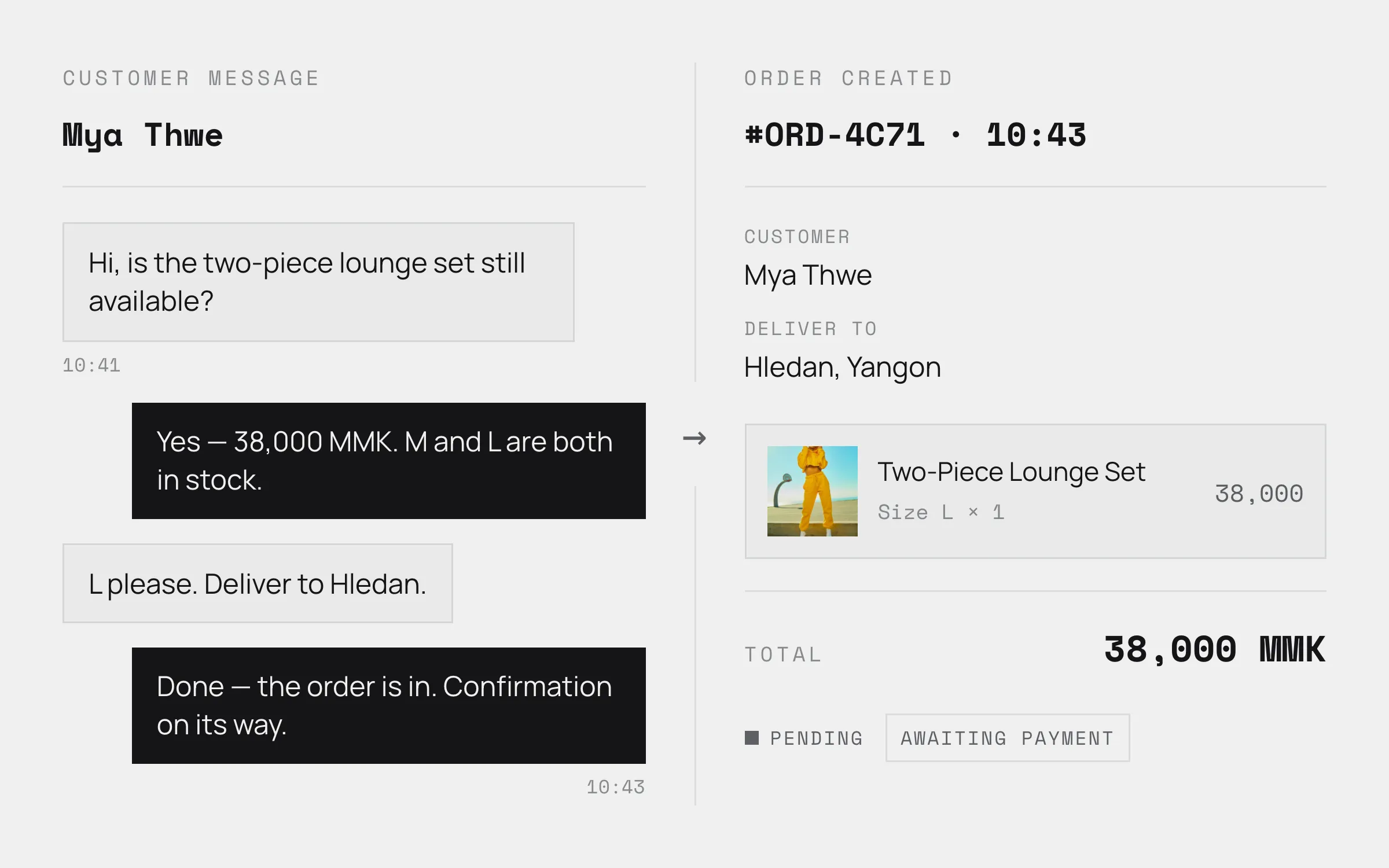
A customer asks about a product in Messenger or Telegram and the order appears in BizCoPilot. Nothing to copy across by hand.
Automated orders
The conversation becomes an order.
Messenger and Telegram messages turn into real orders with the customer, the items and the total already filled in. You confirm; you do not retype.
Inquiry to sale, counted
Every conversation is tracked against whether it became an order, so you can see what your replies are actually worth.
Nothing sits unanswered
The bot replies on its own, and when a message is one it should not handle the thread is handed to you with a notification naming the customer. Nothing waits for you to happen to scroll past it.
Where the credits go
The work you would rather not do yourself.
These four are the only things that spend credits. Orders, stock, counter sales and reports never do.
Customer replies
Answers the questions you get twenty times a day — price, sizes, is this in stock — in your shop’s own words.
Receipt checks
Reads the KPay or Wave screenshot a customer sends and matches it to the order, so you are not squinting at transfer amounts.
Facebook captions
Writes the post caption for a product you are about to list, in English or Burmese.
Product imports
Turns a supplier list or a photo of your stock into catalogue entries instead of typing them one by one.
Every morning
What needs you today, before anything else.
The home screen leads with decisions waiting on you rather than numbers you cannot act on.
Pending orders
What needs confirming before anything else today.
Awaiting payment collection
Who has ordered but not yet paid.
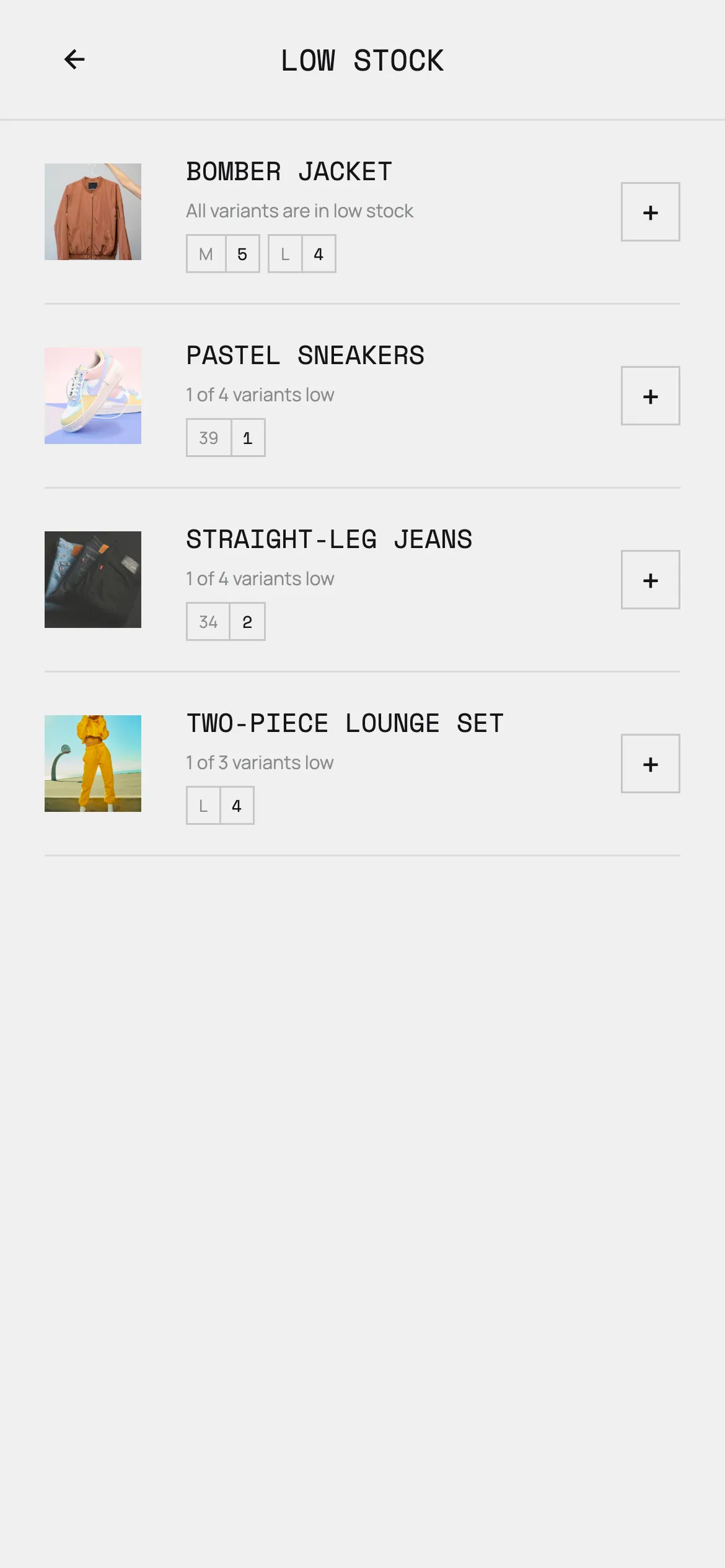
Low stock
What is about to run out, by variant.
Dead stock
Money sitting still — items that have not sold in months.
Today's revenue
Takings so far, against the rest of the month.
Inquiry to sale rate
How many conversations actually became orders.
For importers
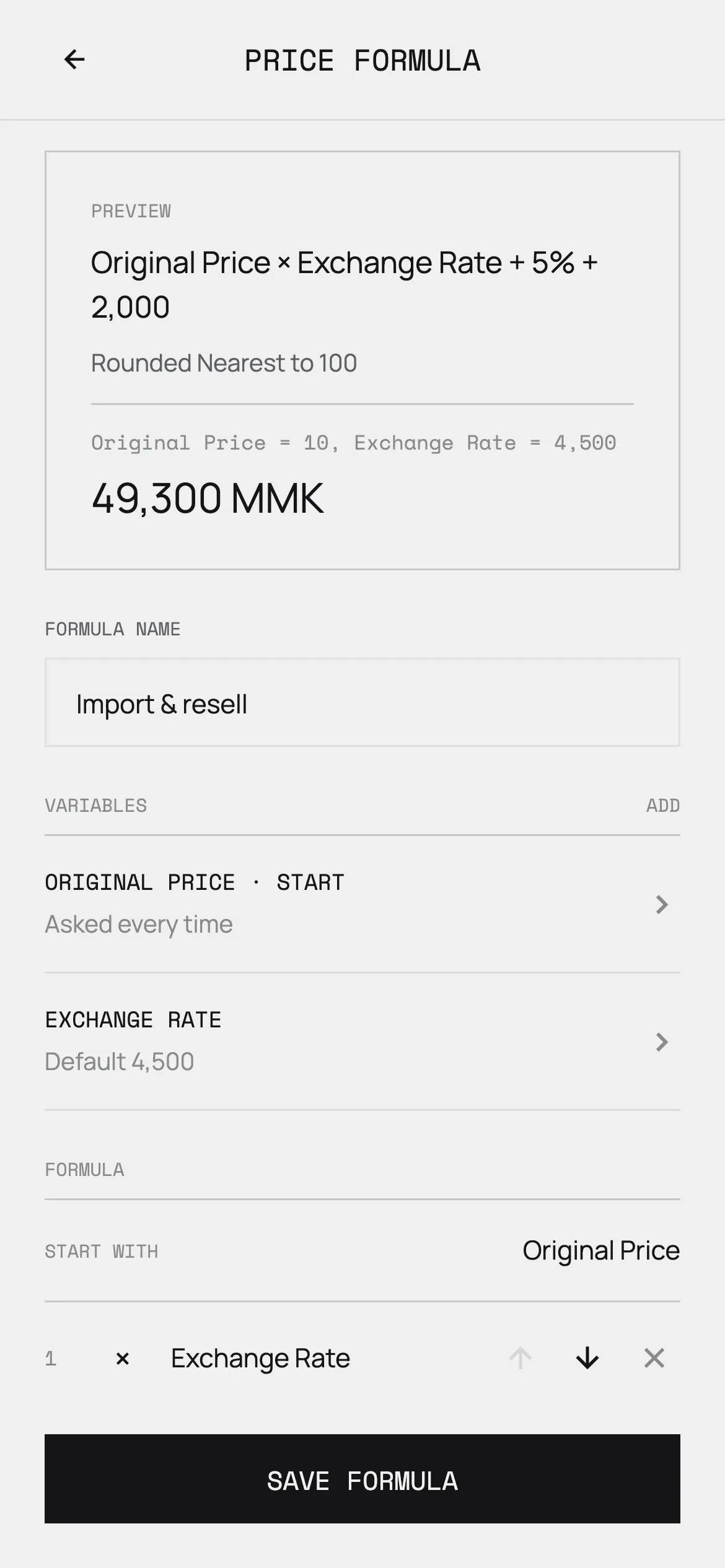
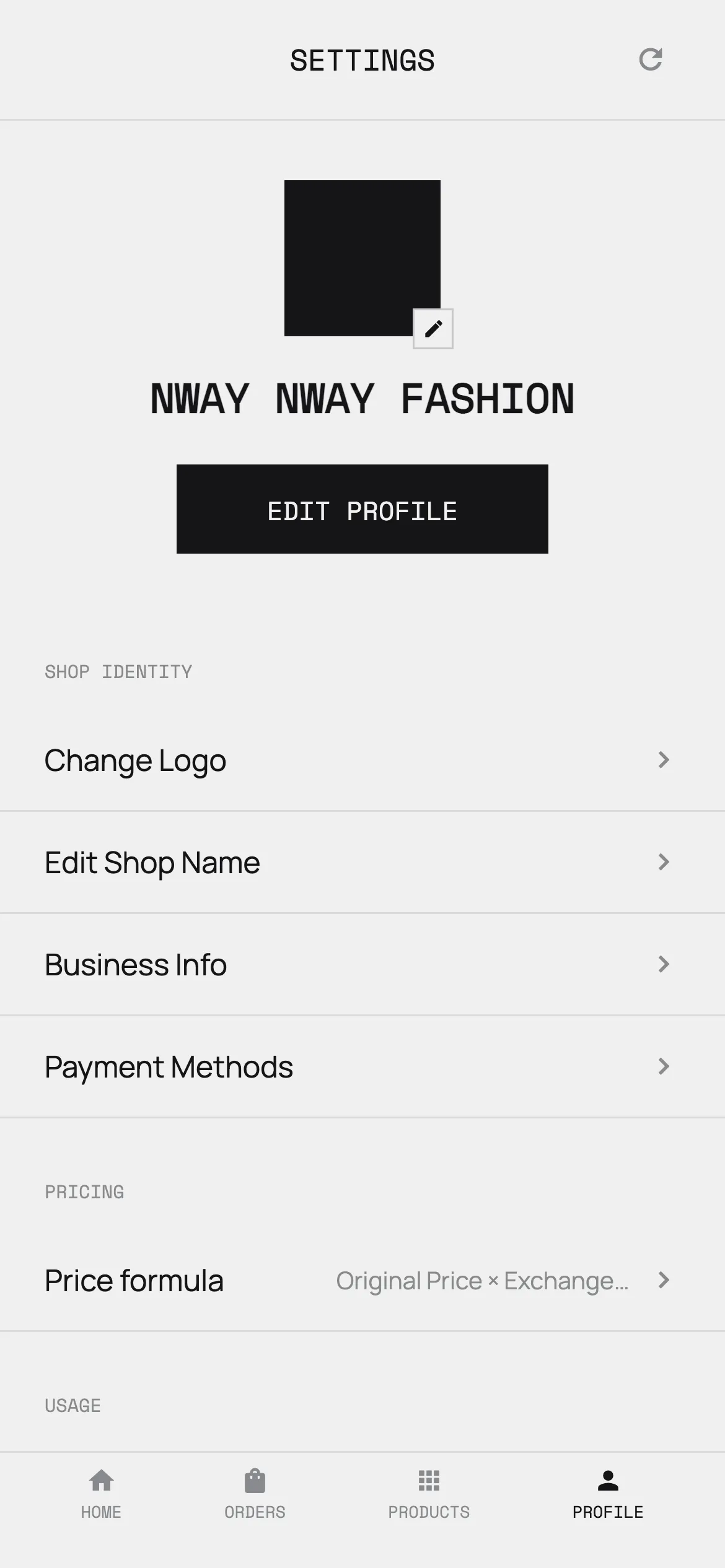
Set the formula once. Reprice in seconds.
Cost × exchange rate, plus your margin, plus the fees. Save it, and every new product is priced the same way — including the day the rate moves and everything needs doing again.
Also
The rest of the shop.
Stock that cannot oversell
Two customers claiming the last item at the same moment is a race the database settles, not a problem you find out about later.
Every shop in one account
Switch between shops and see the day’s takings for each without logging out.
Search your catalogue by photo
A customer sends a picture instead of a product name. Find the match without scrolling the whole catalogue.
English and Burmese
The whole app, both languages, switched whenever you like.
In the shop
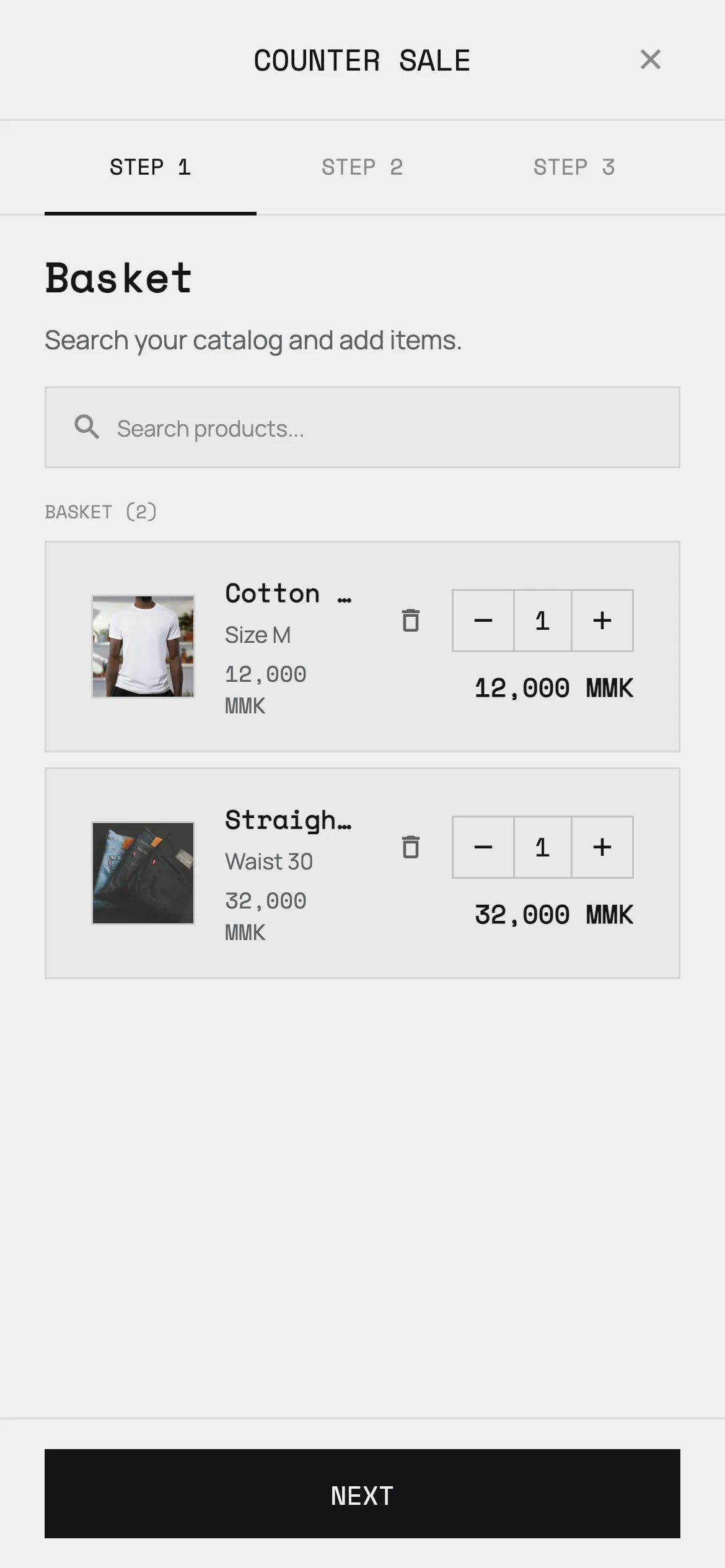
Walk-in sales run through the same stock.
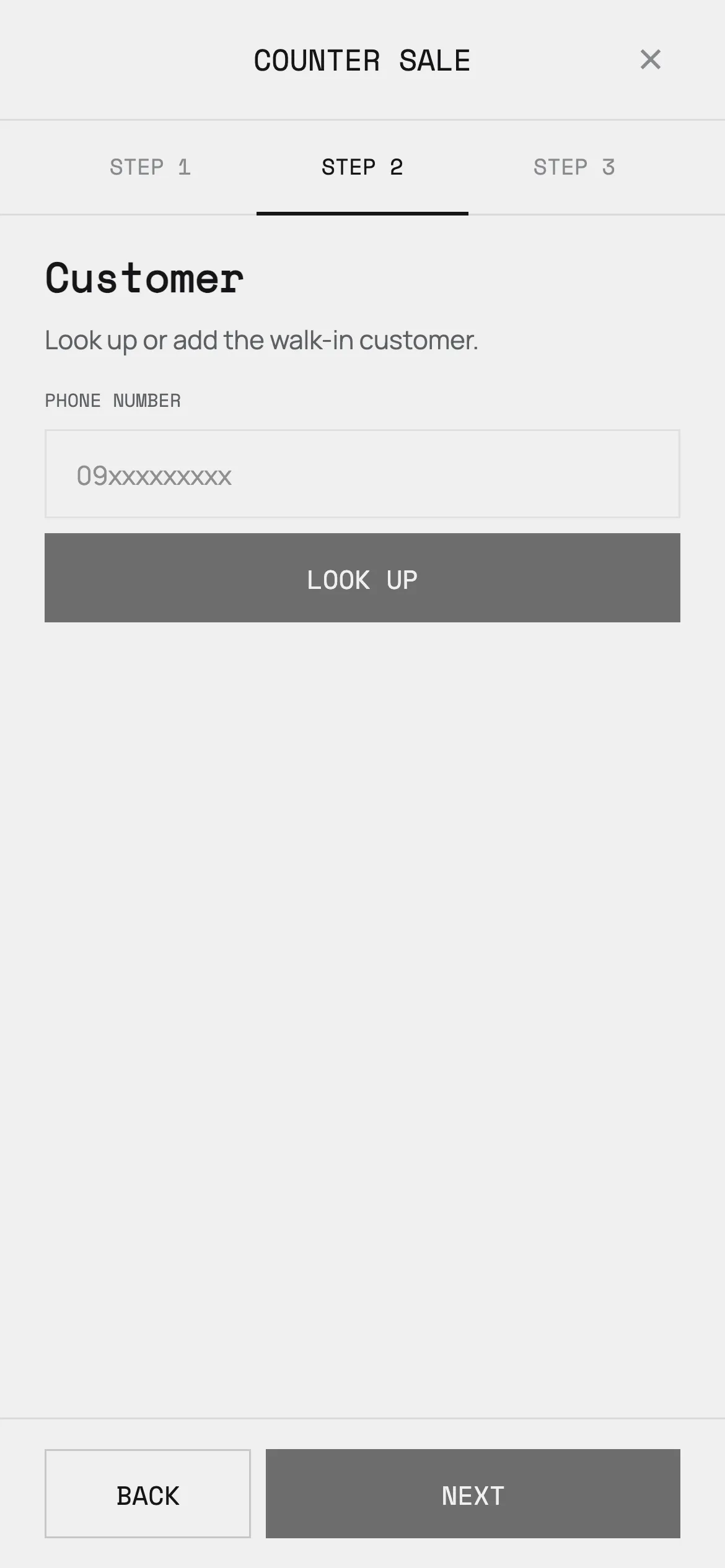
Ring up a customer at the counter by phone number and the catalogue, the stock count and the day's takings all stay in step with what is happening online.
Once you are set up
It lives on your phone, without the Play Store.
01 — Open your login in Chrome
It works straight away in the browser. Nothing to download first, and it runs on iPhone in Safari the same way.
02 — Menu → Add to home screen
It then opens like any other app, full screen, with its own icon. It uses almost no storage.
Your browser's menu
Your phone
Pricing
Pay for a package, spend credits only on the AI.
Buy a package of credits that lasts a set number of days. Running your shop — orders, products, stock, counter sales, reports — never costs credits. Only the four AI features do.
Pay with
KPay
Wave
AYA
CB
Bank transfer
Cash
Questions
Before you start.
How do I get started?
Talk to us first — there is no sign-up form. We create your shop with you and connect your Facebook Page or Telegram bot, because that part is fiddly and goes wrong on your own. Once it is done you get a login and you are running.
Do I need to install anything?
No. Once you have an account, BizCoPilot opens in your browser and works straight away. If you want it on your home screen like a normal app, it takes two taps — no Play Store account and almost no storage.
Does it work on iPhone?
Yes, today, through the web app in Safari — add it to your home screen and it behaves like an app. A native iPhone app is coming.
Do I need a Facebook Page?
To capture orders from Messenger automatically, yes. You can also run BizCoPilot with Telegram, or with counter sales alone if you sell in person.
What happens when my credits run out?
The AI features stop; nothing else does. Orders, products, stock, counter sales and reports carry on as normal, and your bot still answers customers — with a short note that it cannot reply automatically right now and they should message you directly, so nobody is met with silence. You get a notification the moment it happens.
How do I pay?
KPay, Wave, AYA, CB, bank transfer or cash. You send proof of payment in the app and your package is activated once it is checked.
Is my customer data safe?
Your customers' details belong to your shop — they are never sold, and never shared with another shop. TODO: one sentence on what reaches the AI model provider and under what terms. You can export or delete your shop's data at any time; the privacy policy has the detail.
Tell us about your shop.
A short conversation is all it takes to find out whether this fits how you already sell.